Start here
Scam With Your Friends: What It Is and Where to Start
Start scam with your friends on the right platform: learn the call-center objective, check Steam playtest access, and find the official Roblox edition.
- Guides
- 7
- Topics
- 4
- On this page
- 6
What is Scam With Your Friends?
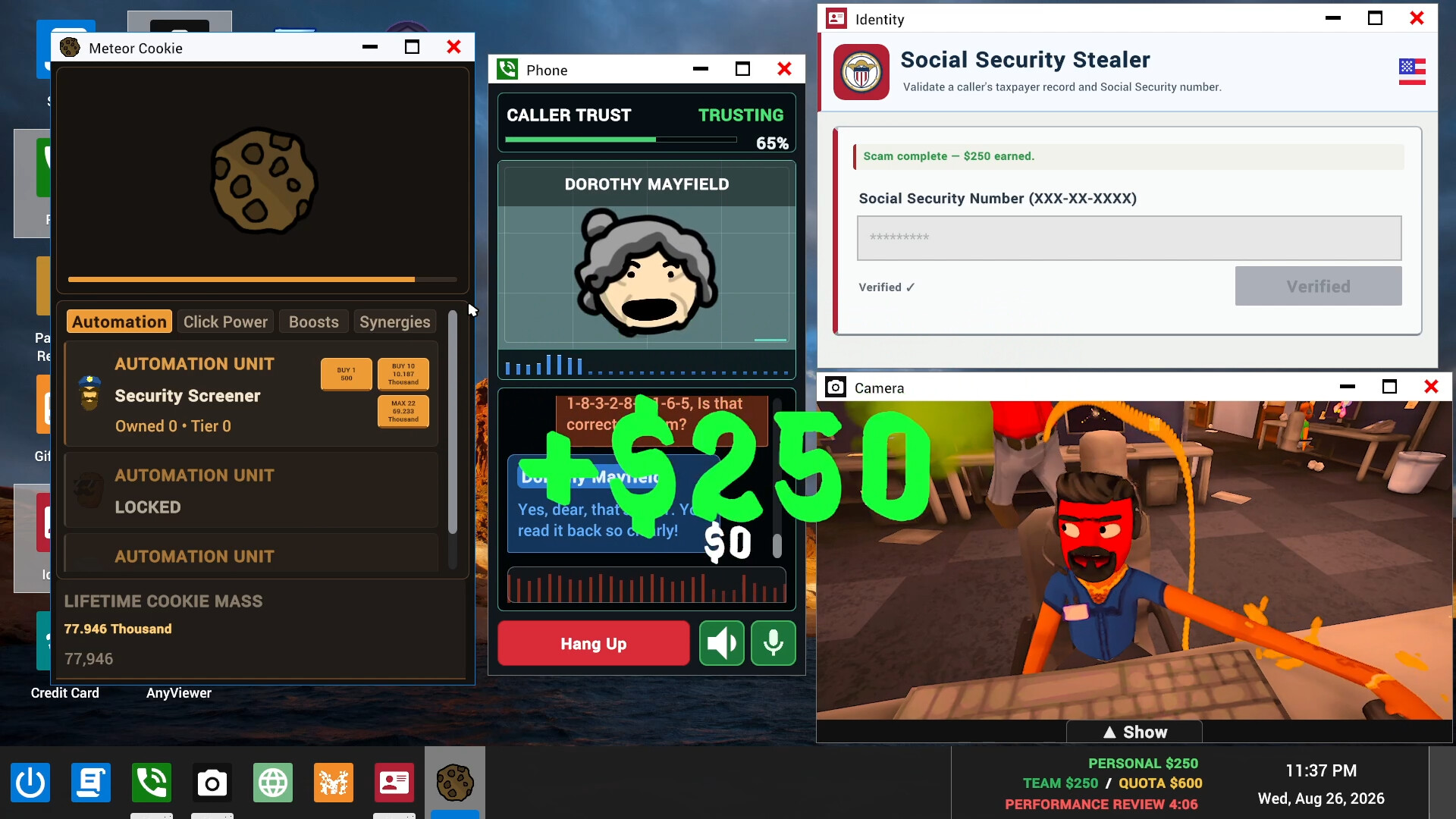
Scam With Your Friends is a fictional scam-call-center simulation where you talk to AI callers, meet daily earnings quotas and face your boss's performance reviews. Start with the official Steam page for the Windows game; new playtest signups are closed, and the official Roblox edition is a separate experience.
Identify the game and its main objective
The Steam game is developed by JakeHub and Metater and published by Jatater Worldwide. Steam lists Action, Casual, Indie and Simulation among its genres, alongside Early Access. The Windows release is listed as a paid game on Steam. Match the developer and publisher names when opening the storefront entry so you arrive at the game this guide covers.
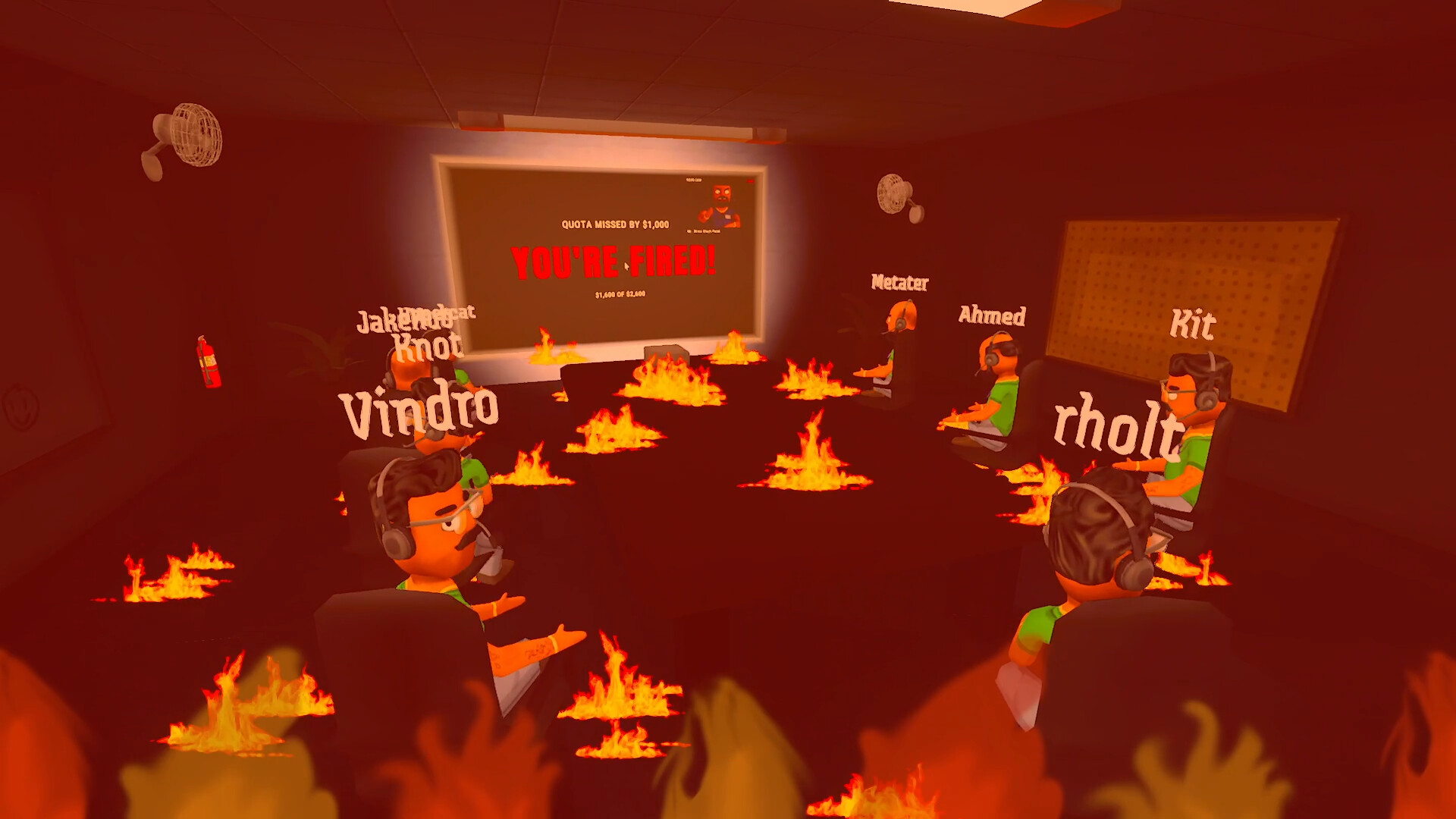
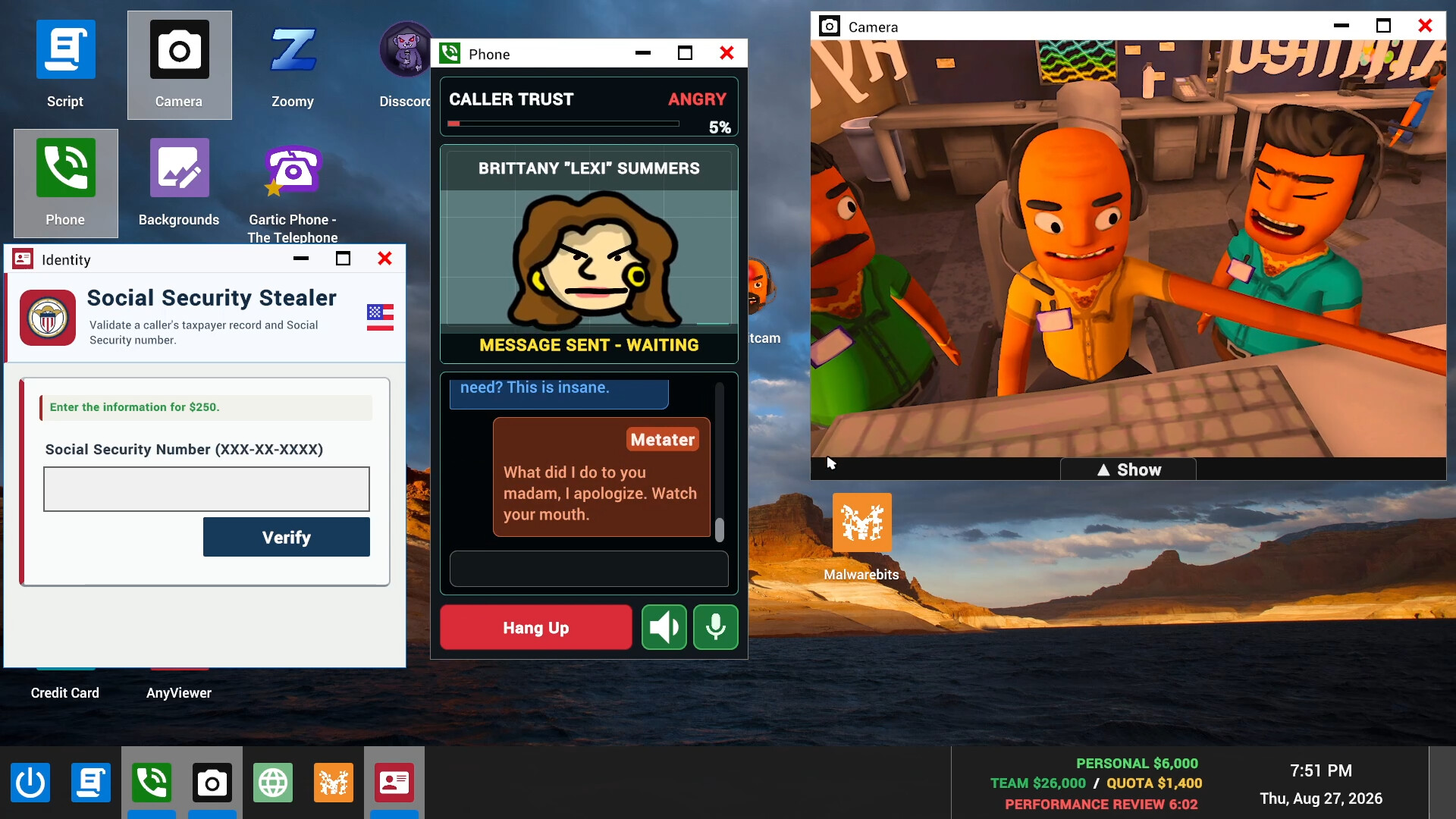
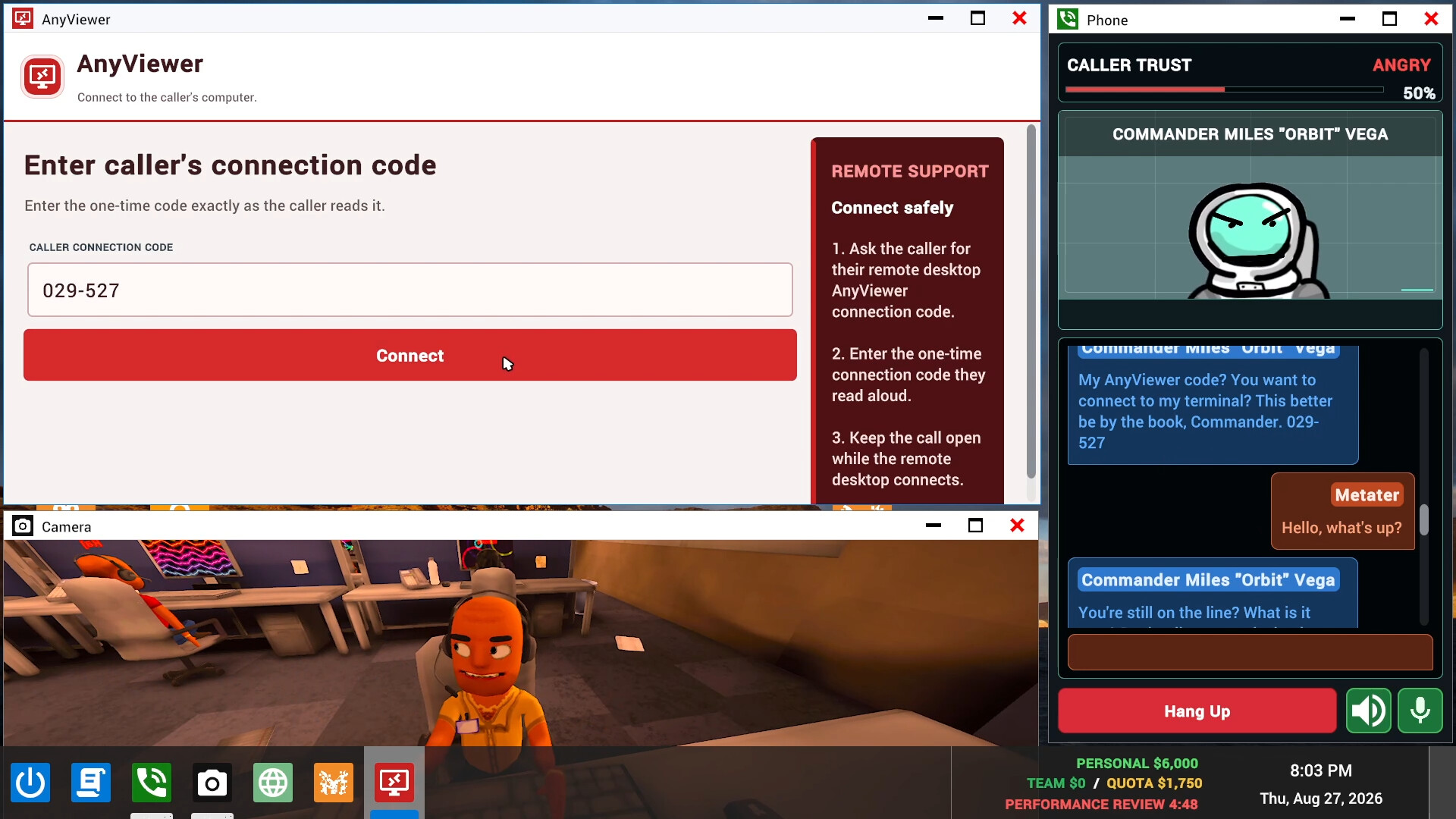
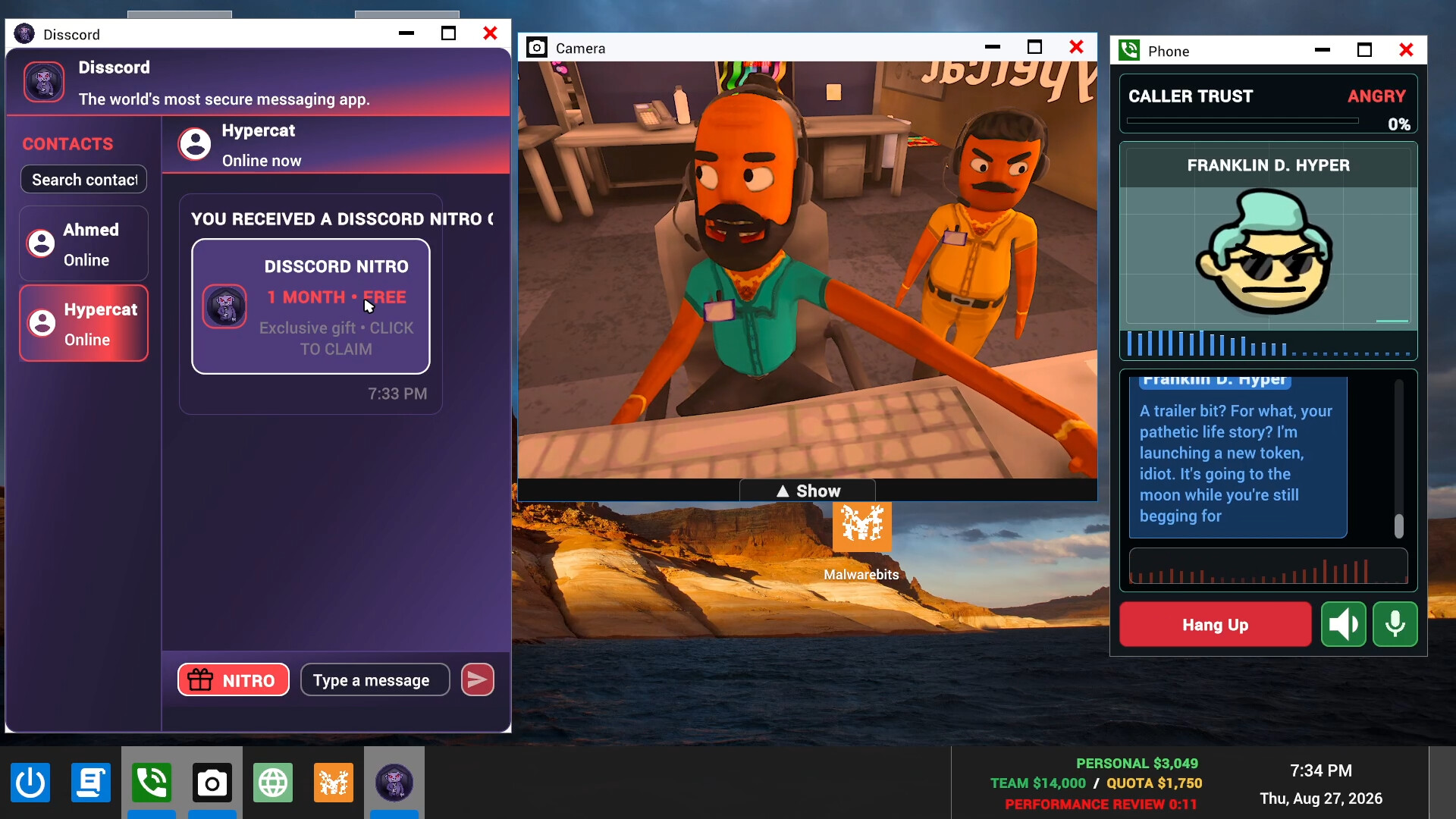
The core activity is improvising through real-time conversations with fictional AI callers. You use increasingly elaborate in-game schemes, work toward a daily earnings quota and face your boss at the end of the day. Progression is run-based, bringing more scams and increasingly chaotic workdays as you continue. For your first session, keep the quota and the boss's review in mind as the objective behind the office chaos.
Check your Windows PC before starting
The Steam game supports Windows 10 and Windows 11 on a 64-bit system. Its minimum requirements include a broadband internet connection and 5 GB of available storage. Compare the complete requirements on the Steam page with your PC before trying to start, particularly if you are coordinating a session with friends who use different computers.
The listed minimum hardware is an Intel Core i5-8400 or AMD Ryzen 5 2600 processor, 3 GB RAM, and an NVIDIA GTX 1060 (6 GB) or AMD RX 580 graphics card. DirectX Version 11 is also listed. Use those requirements as your starting point when assessing your setup, and check the storefront details before committing to the Windows version.
Choose a supported route into the game
- Open the official Steam page for Scam With Your Friends. This takes you to the Windows game's storefront entry, where you can wishlist it and find information about the limited playtest. It is the starting destination for the Steam version.
- Choose whether you want to play alone, with friends or in a public lobby. The Steam game lists single-player and online co-op, including public lobbies. This helps you decide whether to pursue access independently or coordinate with the people you want to play alongside.
- Ask an approved tester for a playtest friend invitation if you want to join the limited test. Approved testers can invite up to three friends, providing an invitation route while new registrations are closed. The optional playtest AI purchase does not provide an invitation, so treat access and additional AI credits as separate decisions.
- Wishlist the Windows game on Steam if you are waiting for release. Its planned Steam Early Access release is October 15, 2026. Wishlisting gives you a supported storefront action while you wait, without requiring you to have already joined the limited playtest.
- Open the official Roblox edition if that is the experience you want to start with. It identifies itself as an official edition by Jatater Worldwide, but it is separate from the Windows game and its Steam playtest. Visiting that edition takes you to the Roblox experience rather than granting Steam playtest access.
Understand the optional playtest AI purchase
The optional Unlimited Playtest AI purchase costs $8 USD and covers playtest AI credits only. It does not give you a game key or a playtest invitation, so buying it will not resolve closed registrations. Its unlimited access lasts only while the playtest is active.
Access is linked to the purchaser's Steam account, and the purchase covers the lobby. The purchase flow requires a Steam account that has already played; an unplayed account cannot make the purchase. The full game includes unlimited AI without this separate playtest purchase. Settle your actual playtest access first, then consider the optional credits only if they suit your testing plans.
Find teammates and get official help
The official community is a place to find teammates, talk about the games and follow what is coming next. When looking for a group, say whether you want the Steam game or the separate Roblox edition so everyone is aiming for the same experience.
If optional Unlimited AI activation takes longer than expected, the support instructions direct you to the official Discord to open a support ticket. Include the supplied reference in the ticket; you do not need to pay again. Describe whether your problem concerns playtest access or the AI-credit purchase so your request is easy to understand.